Macのgitクレデンシャルをdevcontainerで使う
この記事は、構成と文章の整理にAIを使っています。
あくまで読みやすくするための補助で、内容そのものをAIにすべて任せて書いているわけではありませんが、ところどころ相談しながら整えています。
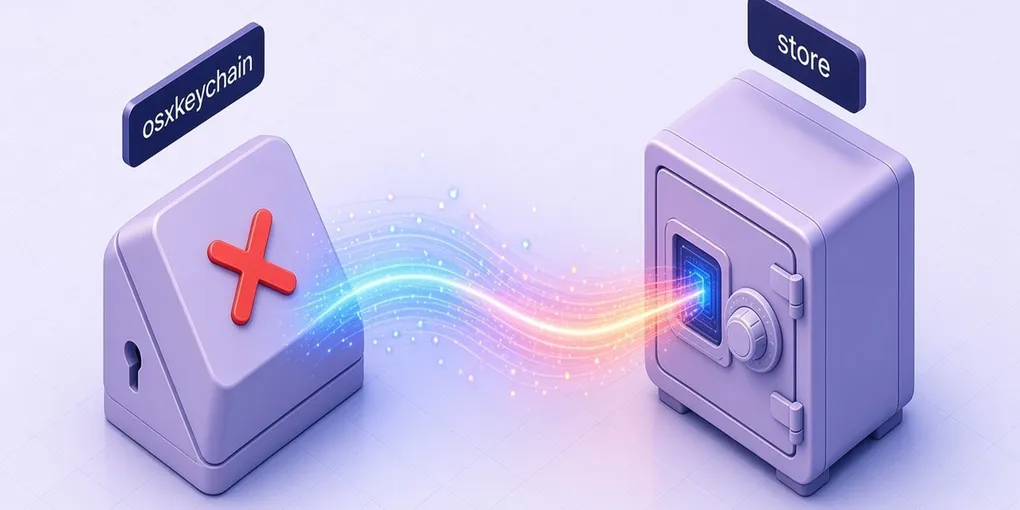
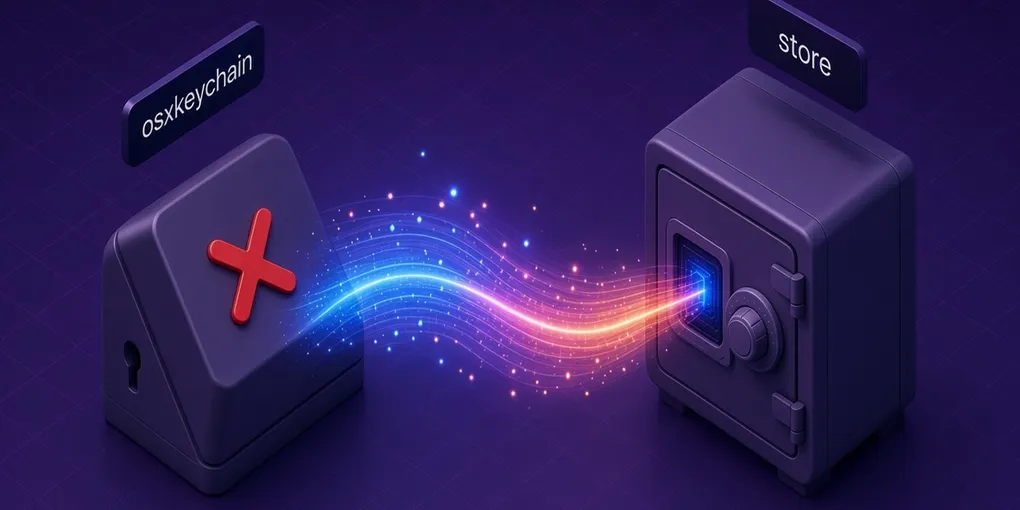
Macでgit HTTP認証を osxkeychain に保存していると、devcontainerの中でもそのまま使えると思いがちだけど、実際はそうはならない。
何が起きるか
MacのホストでGit credential helperを設定する。
git config --global credential.helper osxkeychainVS CodeやCursorでdevcontainerを開くと、ホストの ~/.gitconfig がコンテナ内にマウントされる。結果、コンテナ内でも credential.helper = osxkeychain が設定された状態になる。
ところがコンテナはLinuxなので osxkeychain という実行ファイルが存在しない。gitはこれを git-credential-osxkeychain というコマンドとして探しに行くので、当然エラーになる。
git: 'credential-osxkeychain' is not a git command. See 'git --help'.解決策
コンテナ内で store ヘルパーに切り替えて、認証情報を登録し直す。
① helperをstoreに変更
git config --global credential.helper store② 認証情報を登録
echo -e "protocol=https\nhost=git.example.com\nusername=<username>\npassword=<PAT>" \ | git credential approveこれで ~/.git-credentials に保存され、以降の git 操作で認証が求められなくなる。
PAT(Personal Access Token)を使うのが前提。パスワードは使わない。
コンテナをリビルドすると ~/.git-credentials は消えるので、その都度②だけ再実行が必要になる。①は postCreateCommand に書いておけばリビルド後も自動で適用される。
{ "postCreateCommand": "git config --global credential.helper store"}